Freesound Forums
Adding images to individual sounds on Freesound?
Started December 30th, 2025 · 7 replies · Latest reply by inspire153 6 hours, 31 minutes ago

Hi everyone,
I have a quick question regarding images on Freesound.
Am I correct in understanding that images can only be added to sound packs, not to individual sounds?
When editing a single sound, I can see options like Add sound sources, but there doesn’t seem to be any option to upload an image directly for that sound.
I’ve noticed that some users appear to have images associated with their sounds, so I just wanted to double-check whether:
images are only possible via sound packs, or
there is another way to add images to individual sounds that I might be missing.
Thanks in advance for the clarification!
Best regards,
Urmas

I add images to many of my sounds. I don't think you can upload the image directly to freesound, but you can link from freesound to images elsewhere on the web. I do this:
1) upload the image to somewhere on the web that allows external links directly to the image (I used to use google drive, but they have made it hard to link to images externally; I use imgbox.com, there are many other options.)
2) put the link in the soundcloud description like this
Ooops, the previous version of this post showed the image, rather than the text you want; I can't seem to get the html to show up in here with the "code" tag. I've put a little text file on google drive. You replace the actual image URL with the one for your image
https://drive.google.com/file/d/1VJW30jSeIp4hTFpQjyaYEBU-ZQQHAAXx/view?usp=sharing
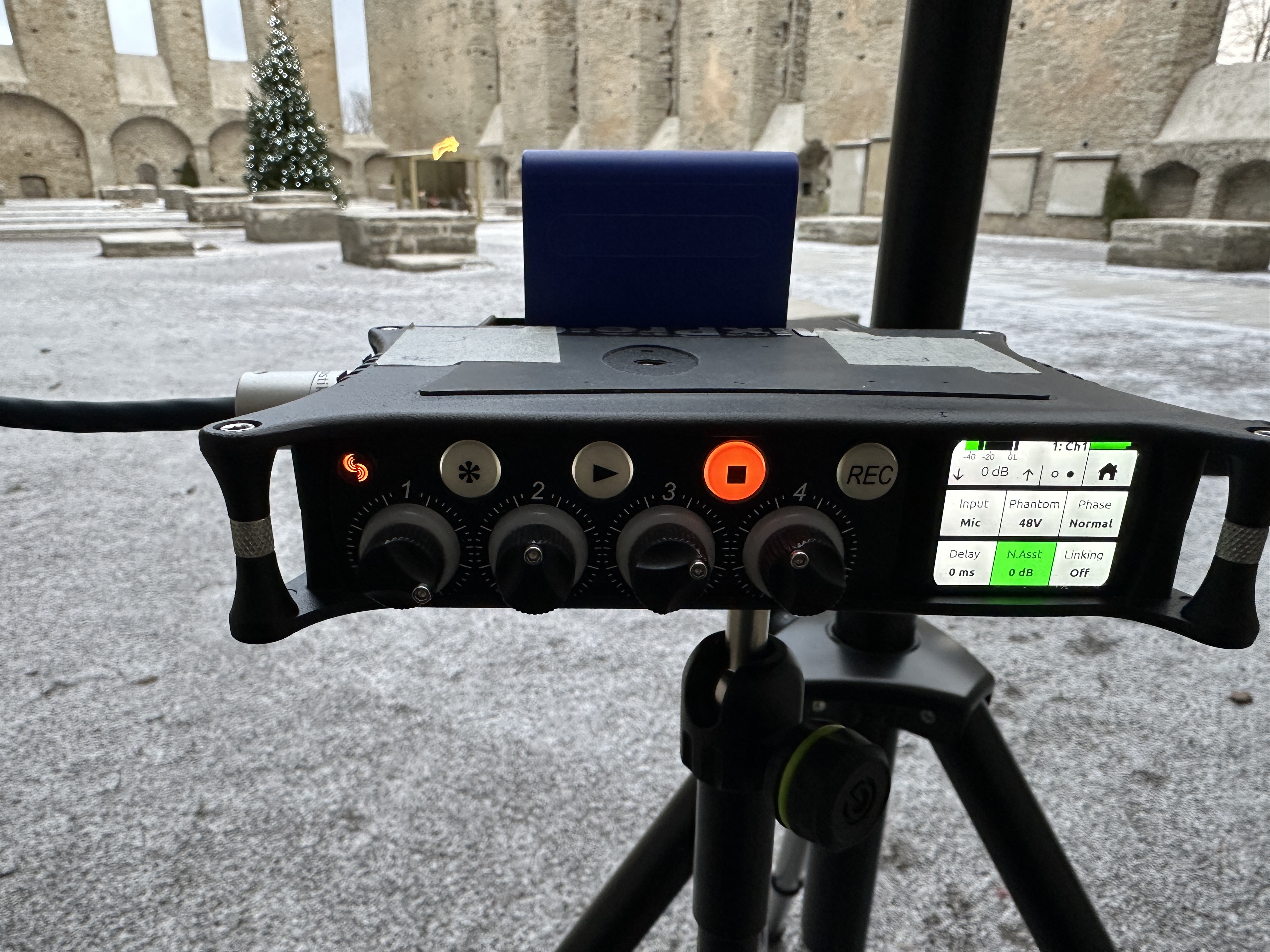
Thank you, I tried. But it only put a link, but I would like to have a photo there, like here.
http://37.0.31.83/Pirita-Kloostri-Varemed-12-29-25/IMG_4781.JPG
What am I doing wrong?
[img][/img]
[url]http://37.0.31.83/Pirita-Kloostri-Varemed-12-29-25/IMG_4781.JPG[/url]
[img]http://37.0.31.83/Pirita-Kloostri-Varemed-12-29-25/IMG_4781.JPG[/img]
[http://37.0.31.83/Pirita-Kloostri-Varemed-12-29-25/IMG_4781.JPG]
http://
[37.0.31.83/Pirita-Kloostri-Varemed-12-29-25/IMG_4781.JPG]
I don't understand what syntax this picture will appear in there?

Probably it has to do with the deprecation of plain http, try serving it as https.
Okay, I'm trying to change it on the server side! I hope that this will help, and if so, I can add photos to most of my sound!
I've edited my earlier post so you have access to the actual HTML code you need (I can't figure out how to get the actual code to show up in the post, I've linked a google drive .txt file which has the code in)
I don't know whether https is require or not.
http://37.0.31.83/Pirita-Kloostri-Varemed-12-29-25/IMG_4781.JPG
Thank you very much! And it seems that https is also necessary.